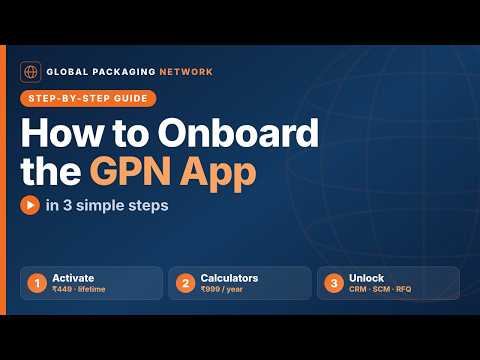
How to Build Your Printed Box Cost Model on GPN | PBCC Tutorial
Set up your own Printed Box cost model on the Global Packaging Network (GPN)
app — once — and price any printed box or folding carton in seconds, using YOUR
rates, not generic ones.
This step-by-step guide walks you through the whole PBCC cost model, from
opening the calculator to entering every rate table (papers, press
configurations, printing, punching, surface finishes, pasting, freight,
wastage and conversion). We also show the handy navigation buttons and a
worked example built from the ready-made Admin starter model, so you can see
exactly what "filled in" looks like.
▶ Build your cost model today: https://app.globalpackagingnetwork.com
CHAPTERS
0:00 Introduction
0:15 Step 1 — Open the Printed Box calculator
0:26 Step 2 — Manage cost models
0:36 Step 3 — New model
0:46 Step 4 — Name your model
0:57 Step 5 — Country is set for you
1:07 Step 6 — Keep ‘Public’ OFF
1:18 Step 7 — ‘Shared with’: leave blank
1:28 Step 8 — Add your cost inputs
1:39 Getting around GPN (handy buttons)
1:51 Create as many models as you need
2:01 Refer to the Admin cost model
2:12 Example data — Papers & Press configurations
2:23 Example data — Printing & Punching charges
2:34 Example data — Surface finishes & Pasting
2:46 Example data — Freight charges
2:56 Example data — Conversion & Wastage bands
3:08 Recap
WHAT YOU’LL LEARN
• How a cost model prices boxes using your own rates
• Creating, naming and keeping a model private
• Entering every rate table step by step
• Reusing the Admin starter model as a reference
------------------------------- LINKS ------------------------------
🌐 Website: https://globalpackagingnetwork.com
📱 App: https://app.globalpackagingnetwork.com
📞 Rajesh Modhvadia, Founder · +91 96500 47650
#GlobalPackagingNetwork #GPN #PrintedBox #FoldingCarton #PackagingCosting
#CostCalculator #Packaging #BoxManufacturing #PrintingIndustry